 SON OF SATOSHI™
What it is
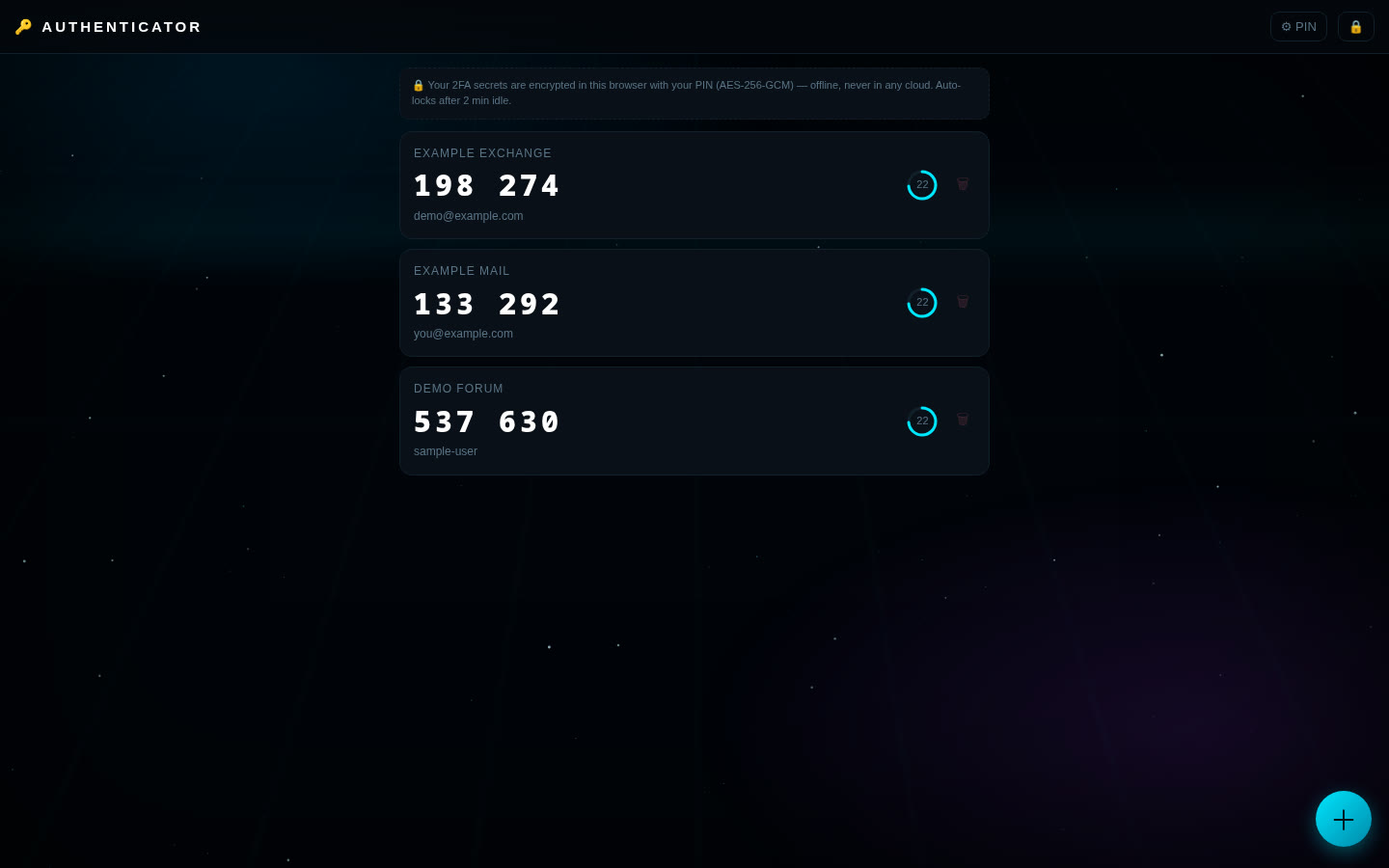
Authenticator makes the 6-digit two-factor (2FA) codes that exchanges, email and other sites ask for, right in your browser on your own computer. No cloud account, no app store, no internet connection needed.
Features
- Add accounts by scanning the site's QR code with your camera (in browsers with built-in barcode scanning, such as Chrome) or by typing the secret key.
- Codes refresh with a countdown ring; tap a code to copy it.
- Standard and extended codes: SHA-1, SHA-256 and SHA-512, 6–8 digits, custom refresh times.
- Everything is encrypted with your PIN or passphrase: AES-256-GCM, key made with PBKDF2-SHA256, 600,000 rounds and a random salt.
- A wrong PIN is refused; after 5 wrong tries it makes you wait, doubling up to 5 minutes.
- Auto-locks after 2 minutes idle, and when you return to the tab after 30+ seconds away.
- Change your PIN any time (needs the current one).
- Encrypted backup file and restore (restore only adds what's missing).
- Locked-down page: the browser's security policy blocks it from sending data anywhere.
What you need
- Python 3 (any current version). It's only used as a tiny local web server; no extra packages.
- A modern browser: Chrome, Brave, Edge, Firefox or Safari.
- Tested on Linux. Windows and macOS start scripts are included.
How to install
- Download the zip below, check its SHA-256 and unzip it.
- Open the
authenticator-1.0.0folder. - Windows: double-click
run.bat. Mac/Linux: run./run.shin a terminal in that folder. - Open
http://127.0.0.1:8104in your browser. Press Ctrl+C in the terminal to stop it. - The first time, choose a PIN or passphrase (at least 8 characters; number-only needs 10+ digits). Write it down. If you forget it, your codes can't be recovered.
Where your data is stored
In your browser's local storage for http://127.0.0.1:8104 on your own computer, as one encrypted block: site names, account names and secret keys are all inside it. Your PIN is never saved.
Outside sites it contacts
- None. The app makes no internet requests.
Good to know
- A short PIN can be guessed by someone who gets a copy of your browser data. For strong protection use a long passphrase (for example 4+ random words).
- Make backups with the 💾 Backup button (an encrypted file). Without one, clearing browser data or forgetting the PIN means losing the accounts. Keep each site's recovery codes somewhere safe too.
- One device only, no sync, by design.
- It protects data at rest. It can't protect you if your computer already has malware or a keylogger.