 SON OF SATOSHI™
What it is
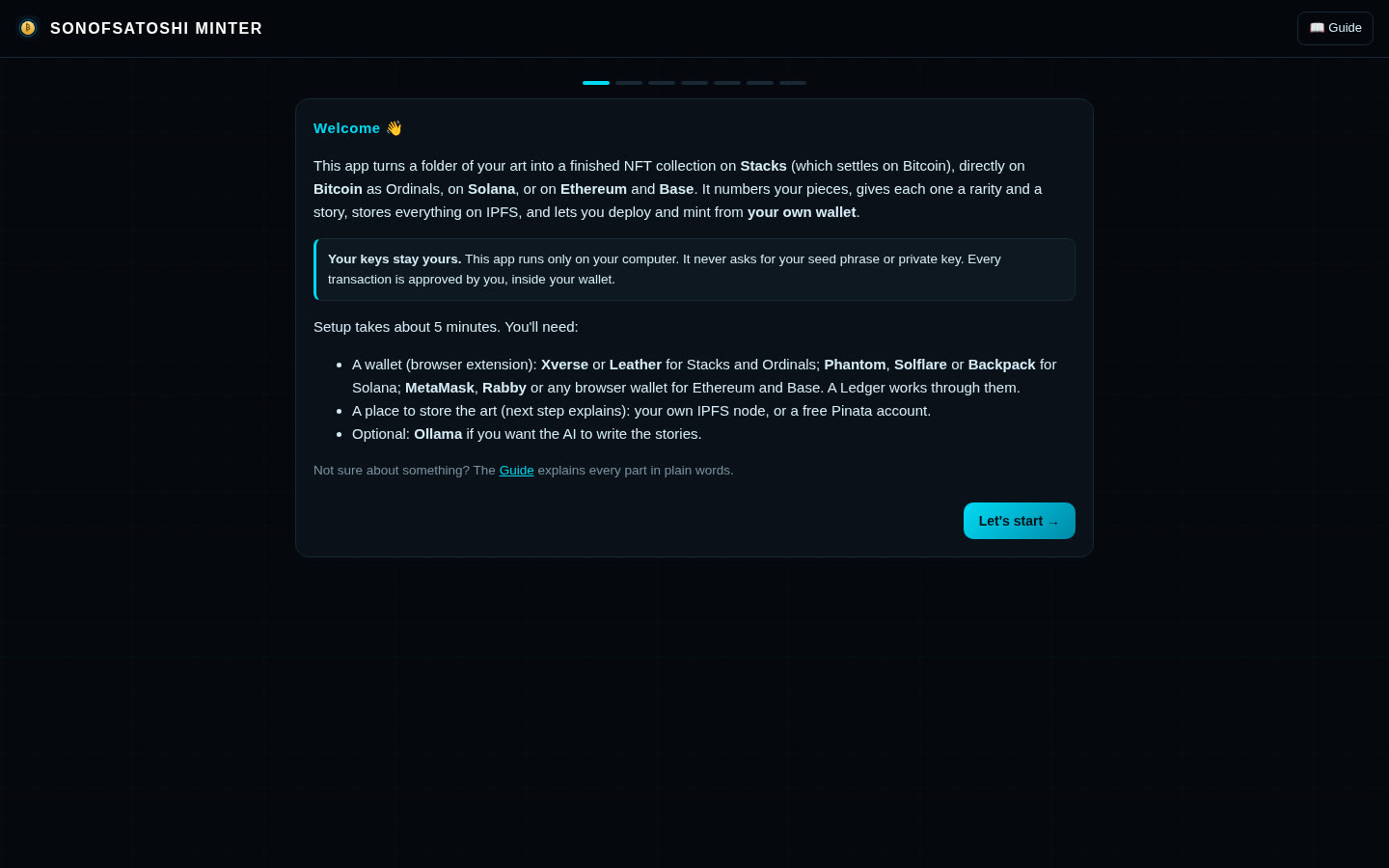
SonOfSatoshi Minter turns a folder of your artwork into a finished NFT collection on Stacks, Bitcoin Ordinals, Solana, Ethereum or Base. It runs as a small web app on your own computer. There is no account, no company server, no tracking and no fee.
It never asks for your seed phrase or private key. Every transaction is approved by you, inside your own wallet.
Features
- Numbers your pieces 0001, 0002 … in file-name order.
- Optional local AI (Ollama) looks at each picture, picks traits, ranks rarity across 12 tiers (Mythic → Base) and writes a story that matches it. No GPU? Set traits and descriptions yourself.
- Review and edit every piece the way wallets will show it: name, story, traits, rarity and raw metadata.
- Stores art and metadata on IPFS: your own IPFS node, Pinata, or both, with live test buttons.
- Stacks: a readable SIP-009 Clarity contract per collection with fixed max supply, royalties (max 30%), SIP-019 refresh and one-way freeze. Deploy and mint from Xverse or Leather (Ledger works), in rounds of up to 200, with post-conditions in Deny mode.
- Bitcoin Ordinals: inscribes art and story directly on Bitcoin. Shows the exact cost per piece, one-click WebP compression, one address and exact amount to pay from any wallet, commit/reveal batches, and saves the batch key locally before you pay so funds can be recovered. Works with mempool.space or your own Bitcoin Core node.
- Solana: Metaplex Core collection with the Royalties plugin; mint in batches from Phantom, Solflare or Backpack.
- Ethereum / Base: your own ERC-721 contract per collection (OpenZeppelin, fixed supply, batch minting, ERC-4906 refresh, ERC-2981 royalties up to 30%). Practice free on Sepolia / Base Sepolia.
- Built-in plain-English Guide and step-by-step walkthroughs for every chain. Start on testnet for free, switch to mainnet in Settings.
What you need
- Linux, macOS or Windows (start scripts
run.shandrun.batincluded). - Python 3.10 or newer. Nothing else to install for the app itself.
- A browser wallet for your chain: Xverse or Leather (Stacks); Phantom, Solflare or Backpack (Solana); MetaMask, Rabby or similar (Ethereum/Base); any Bitcoin wallet to pay for Ordinals.
- Coins for network fees on mainnet. Free test coins on testnet.
- Storage for Stacks/Solana/Ethereum collections: your own IPFS node (one Docker command in the README) or a Pinata account.
- Optional: Ollama and a GPU for AI traits and stories.
How to install
- Download the zip below and check its SHA-256.
- Unzip it anywhere.
- Linux/macOS: open a terminal in the folder and run
./run.sh. Windows: double-clickrun.bat. - Your browser opens
http://127.0.0.1:8130.
How to use it
- Answer the short setup wizard: testnet or mainnet, chain, wallet address, storage, AI (optional), default royalty.
- Name a collection and add your images.
- Let the AI write rarity and stories, or set them yourself, then review each piece.
- Upload to IPFS (or inscribe, for Ordinals).
- Connect your wallet, deploy the contract and mint.
- Back up
~/SonOfSatoshi-Minter/(your collections and settings).
Outside sites it contacts
- The blockchain networks and wallet you choose (through your wallet and the network's public services).
- Your IPFS node or Pinata, if you use them.
- mempool.space for Bitcoin fee data, unless you point it at your own node.
- By default: api.hiro.so (Stacks), api.mainnet-beta.solana.com and api.devnet.solana.com (Solana), mainnet.base.org and sepolia.base.org (Base). You can point each one at your own node in Settings.
- ipfs.io or gateway.pinata.cloud: the image links written into your NFT metadata, so wallets and marketplaces showing your art load it from there.
Good to know
- Mint only art you own the rights to. Test on testnet first.
- The wallet that deploys a contract owns it. Lose that wallet and you lose control of the collection.
- Freezing metadata is permanent.
- Never expose your IPFS node's port 5001 to the internet.
- Verified end to end on test networks (regtest, a local Solana validator, anvil).
- Provided as is, without warranty. Not financial advice.