 SON OF SATOSHI™
What it is
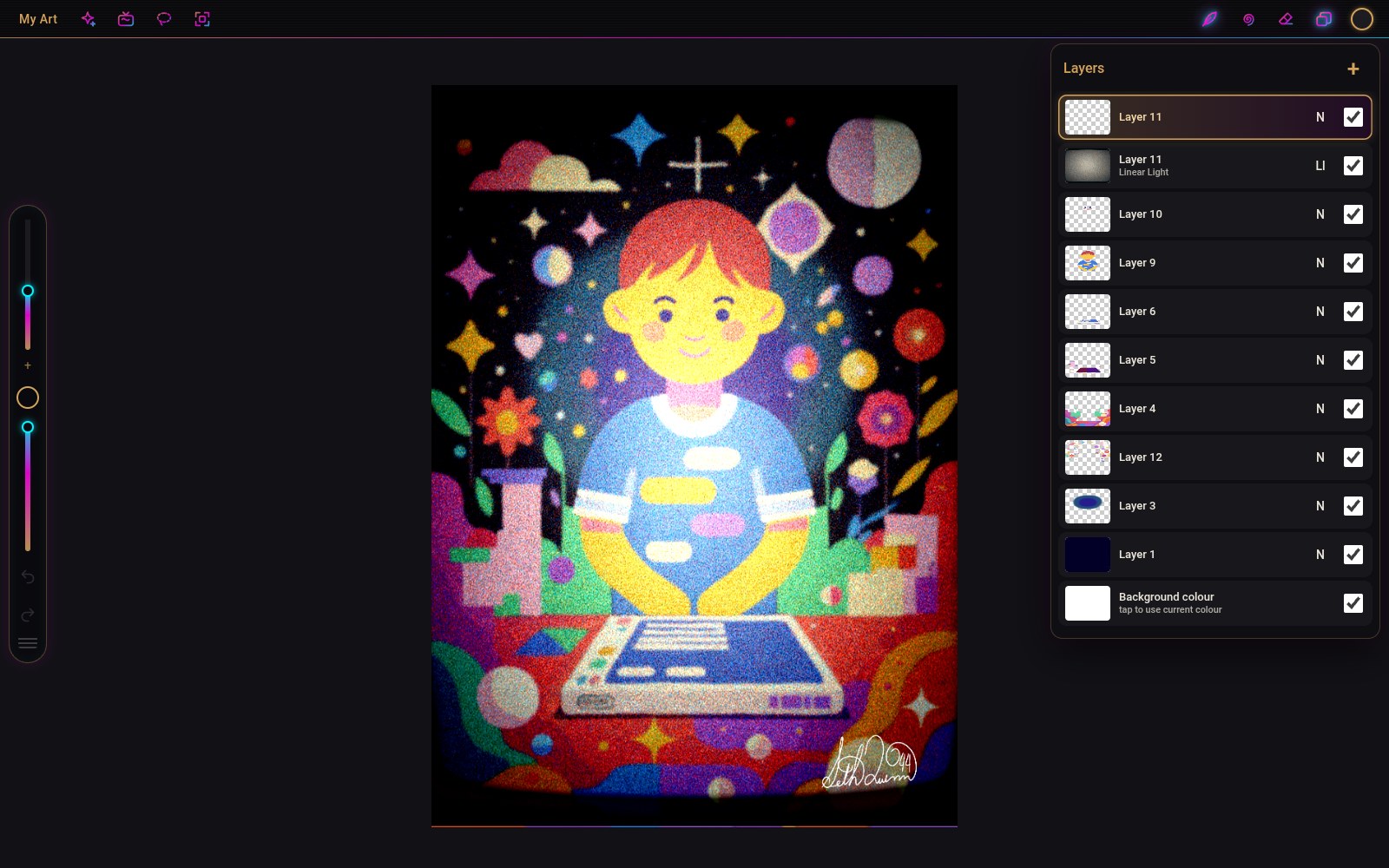
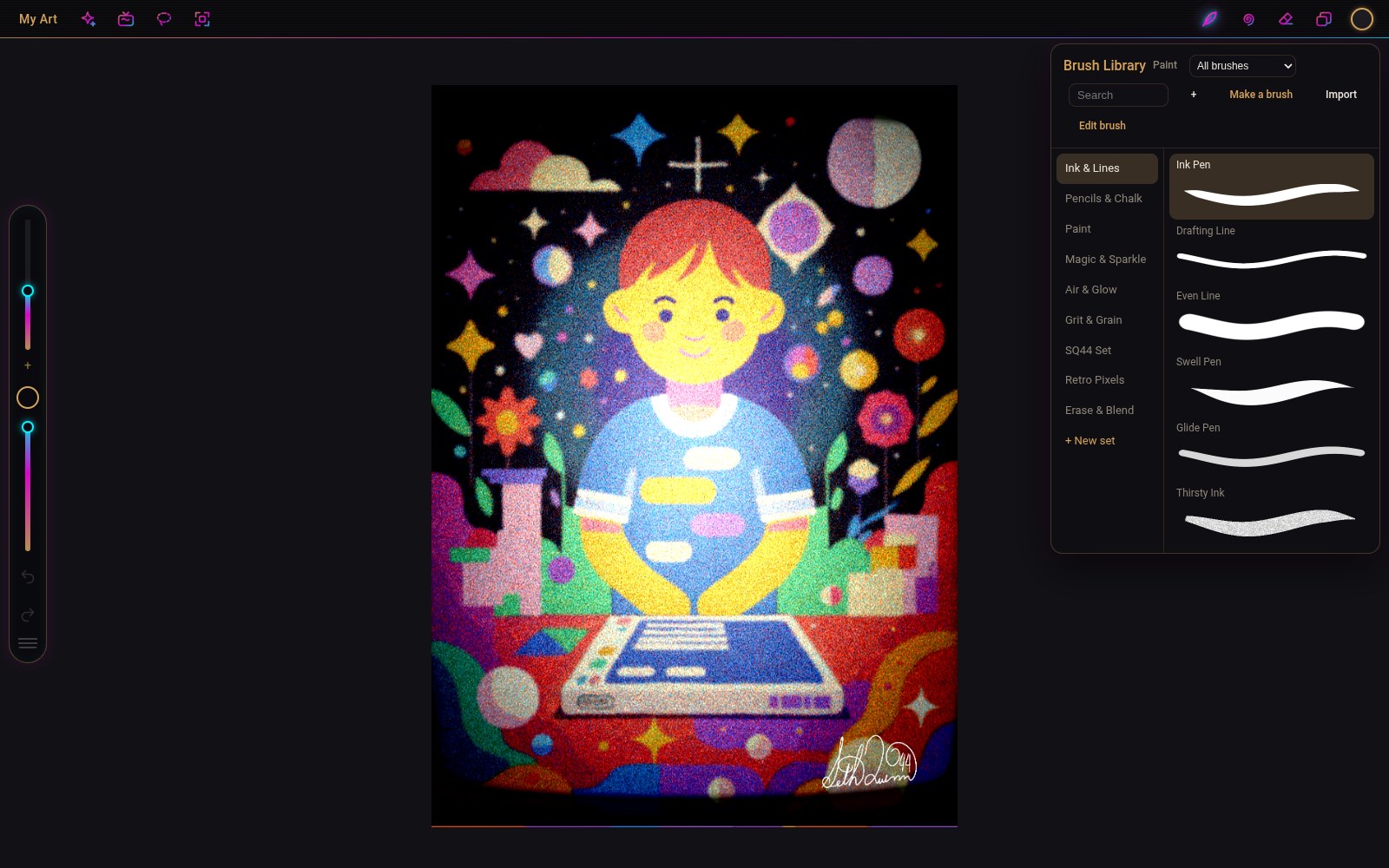
SQ44 Draw is a full painting and drawing app that runs on your own computer: a big canvas, layers, a library of brushes and a pen that feels right. I built it because Linux had nothing that felt like drawing on a tablet. It is free, it has no accounts, and it never goes online.
Features
- Layers with 27 blend modes, masks, clipping, groups, Alpha Lock and opacity, and up to 16-megapixel canvases.
- Paper cut-out: kraft, card and coloured paper backgrounds, layers that look like cut paper with real shadows and torn edges, and a scissors tool where every shape you draw becomes its own paper piece.
- Edit any stroke (Ctrl+E, or Ctrl+Shift+E and tap it): change any line you drew, even under later strokes, after a fill or after reopening the artwork: its size, opacity, smoothing, colour or brush. One undo step. Procreate makes you undo everything back to it.
- Symmetry, and more: vertical, horizontal, quadrant, radial with 2 to 32 slices, plus Tile (paint across an edge for seamless patterns), Repeat (rows and grids of copies) and Kaleidoscope (square or hex, cells as small as 16 px and still instant: one stroke fills the canvas, with paint, blur, clone or effects).
- Pen feel: Procreate-style smoothing, no more little breaks in strokes on pen tablets, pencils that shade with their side when you lay the pen down, and tablet buttons and dials that just work.
- Brushes for ink, pencil, chalk, paint, airbrush, glow, grain and pixel art, with pressure, tilt and taper. Make your own in the Brush Maker, or tune every setting in the Brush Studio.
- Smudge, Erase, Blur and a colour picker, ColorDrop fill, selections, Transform and Liquify.
- Adjustments: hue, curves, gradient map, blur, sharpen, noise, glow and the SQ44 retro-screen finish.
- Drawing aids: symmetry, perspective guides, QuickShape for clean lines and circles, a reference window.
- Animation with onion skins, exported as GIF or video, plus a time-lapse of how you drew it.
- Opens your iPad work: .procreate files with their layers and blend modes, and PSD files with their masks.
What you need
- Linux (64-bit, any recent distribution) or Windows 10/11 (64-bit).
- A graphics card with WebGL 2 (any computer from the last ten years).
- A pen tablet is recommended. A mouse works too.
How to install
- Download the zip for your system below, check its SHA-256 and unzip it.
- Linux: run
chmod +x SQ44-Draw-1.0.11.AppImage, then double-click it. - Windows: open the
sq44-draw-1.0.11-windowsfolder and runSQ44 Draw.exe. Windows may say "Windows protected your PC" because the app isn't code-signed: click More info, then Run anyway.
Where your data is stored
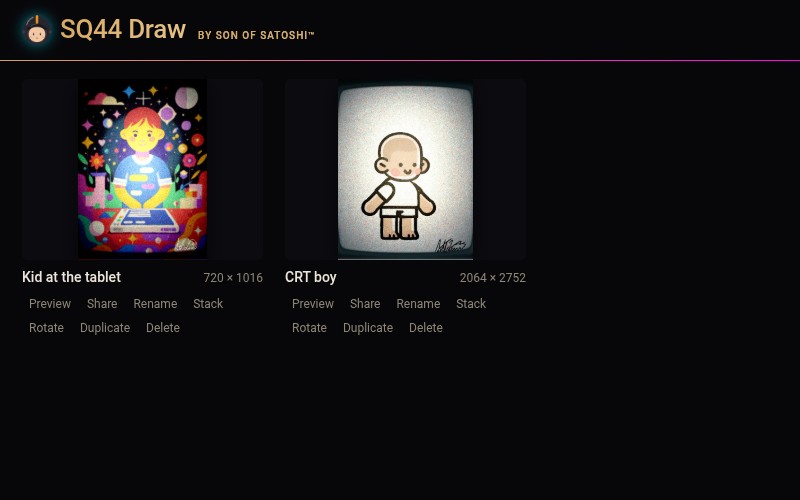
Your drawings are saved inside the app (My Art) on your own computer. Use Share to export them as files.
Outside sites it contacts
- Only when you click Updates in the gallery: thesonofsatoshi.com, to read the newest version number. Nothing about you or your art is sent. Otherwise SQ44 Draw makes no internet requests.
Good to know
- Free to use. Not open source yet: the code will be opened in a later update. Until then, see the license in the download.
- No macOS or iPad version yet.
- Canvases up to about 16 megapixels (for example 4096 × 4096).
- The Windows version isn't code-signed yet, so Windows shows a warning the first time.