 SON OF SATOSHI™
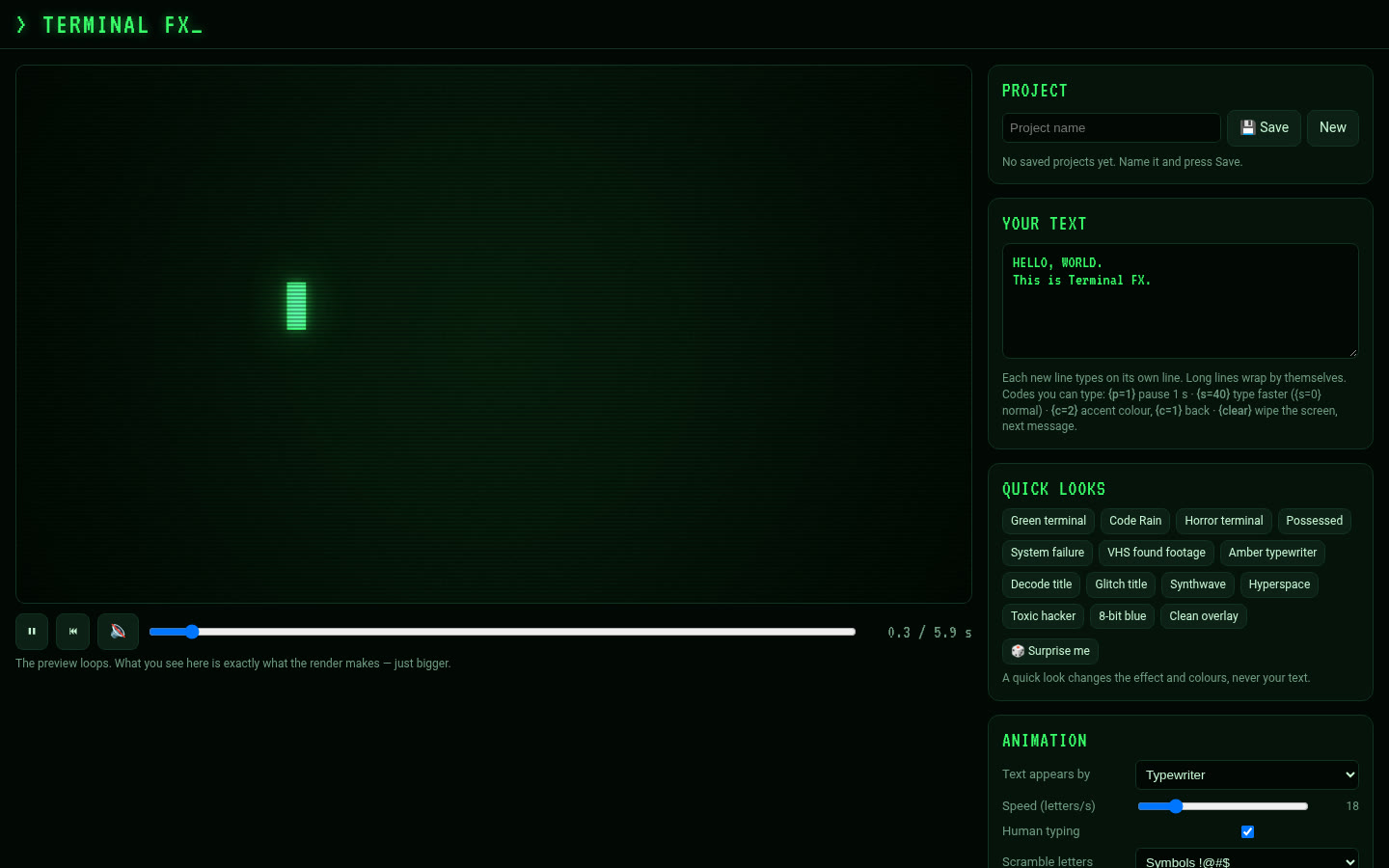
What it is
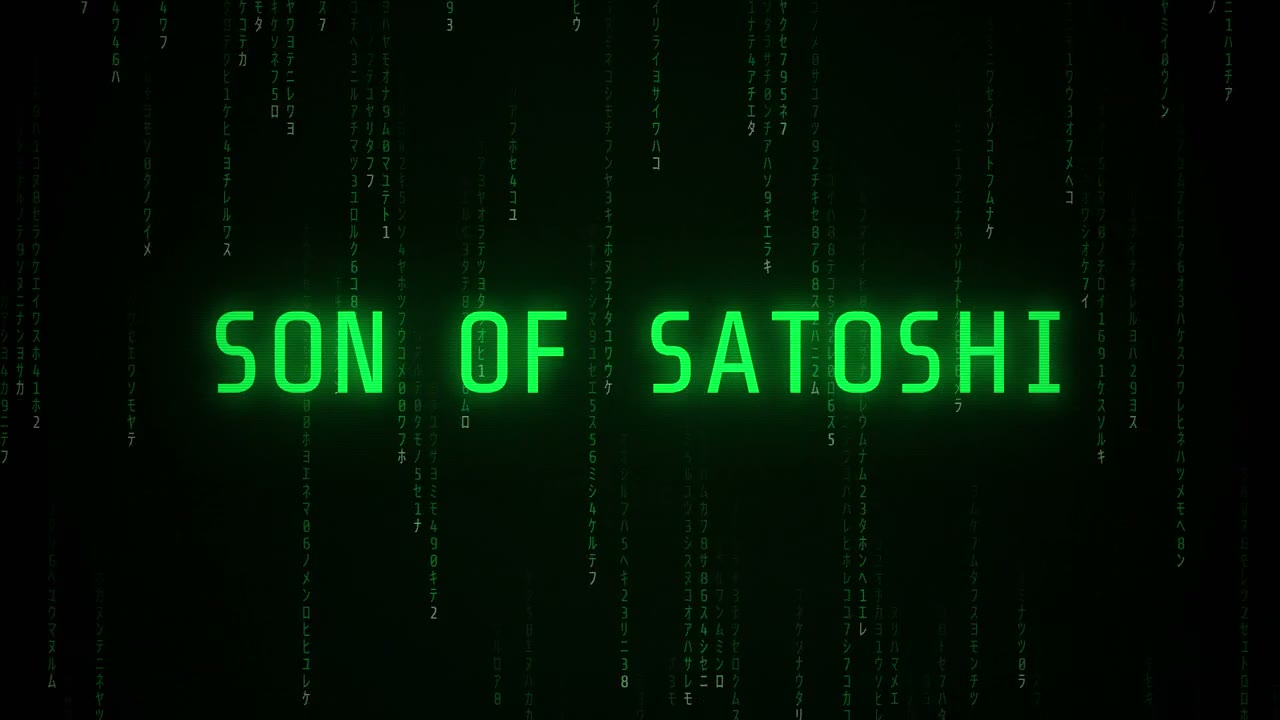
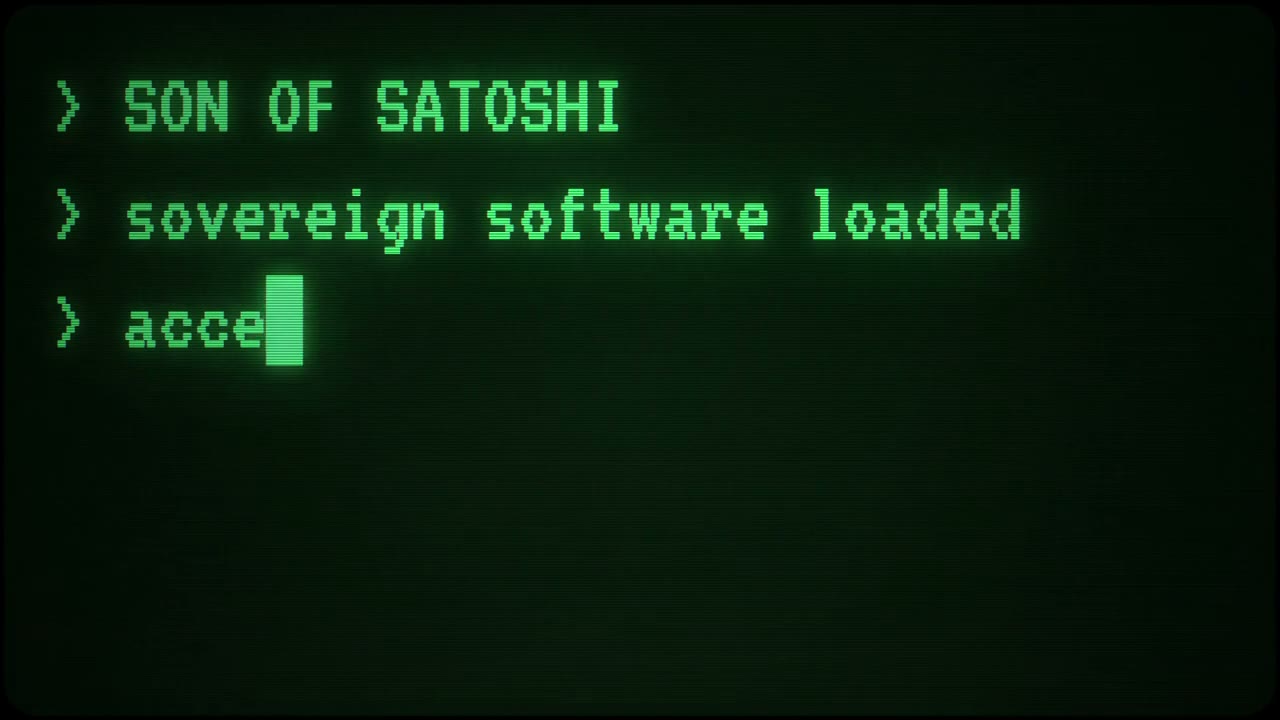
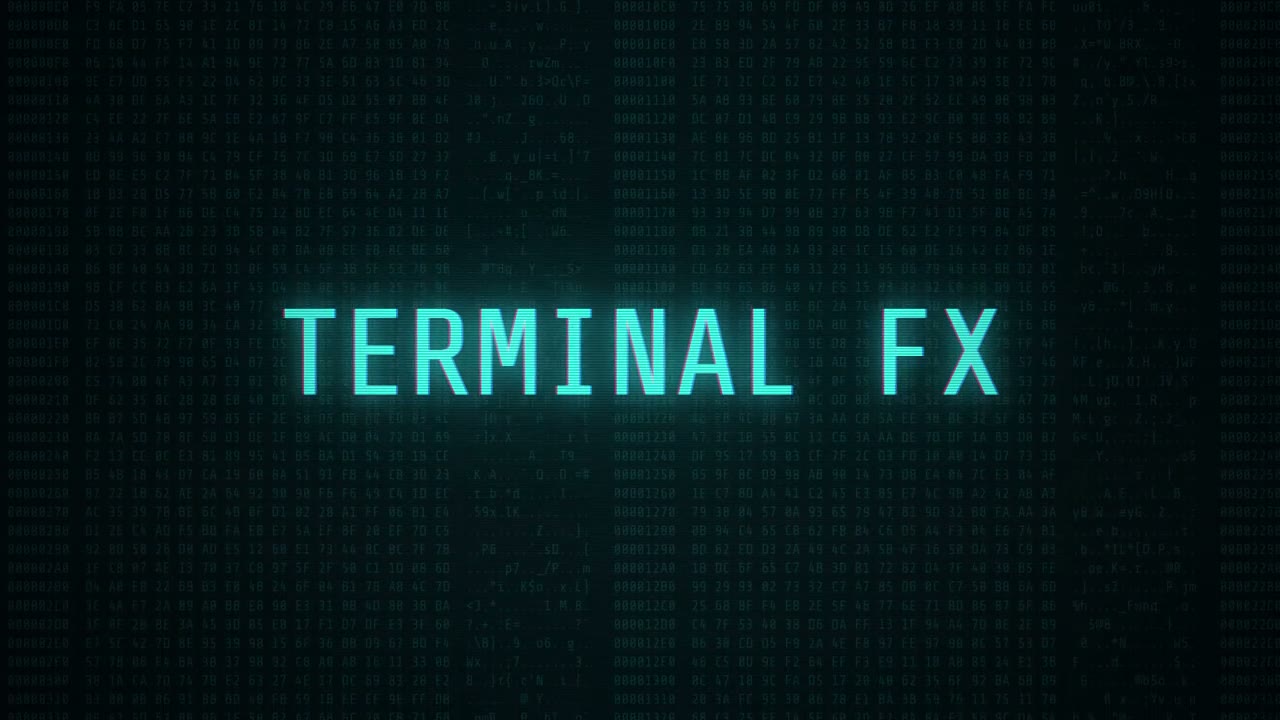
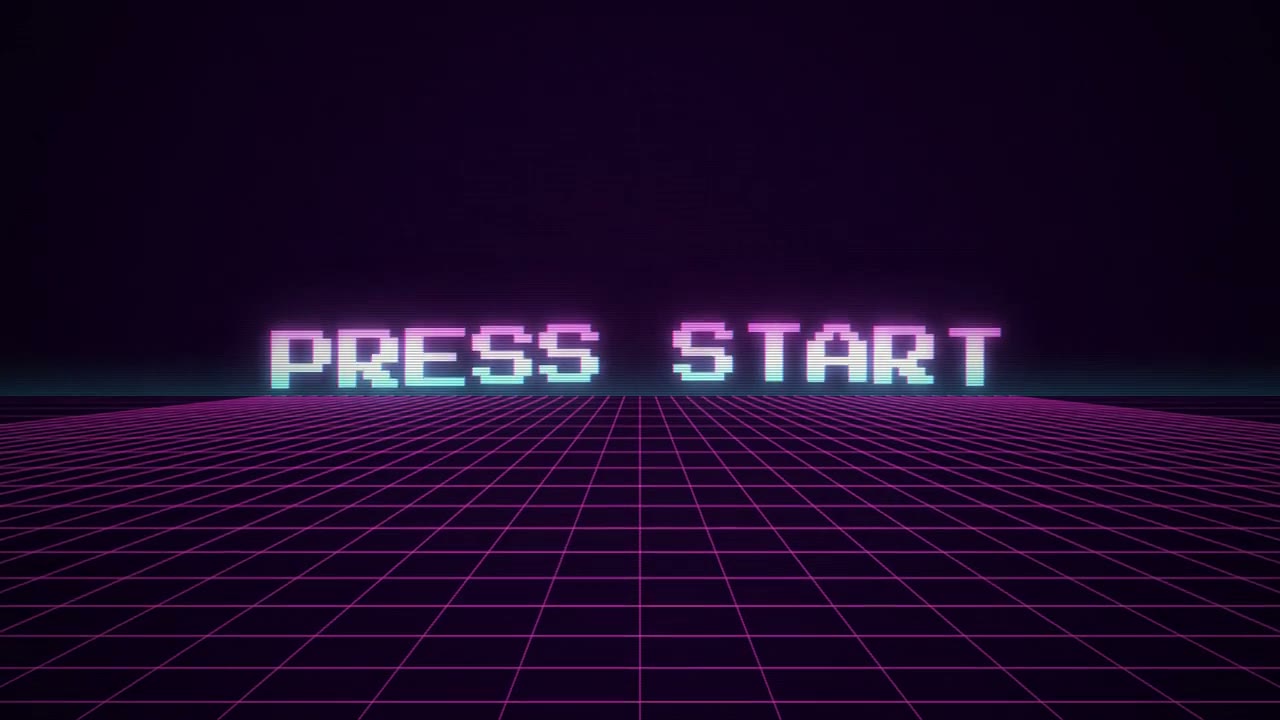
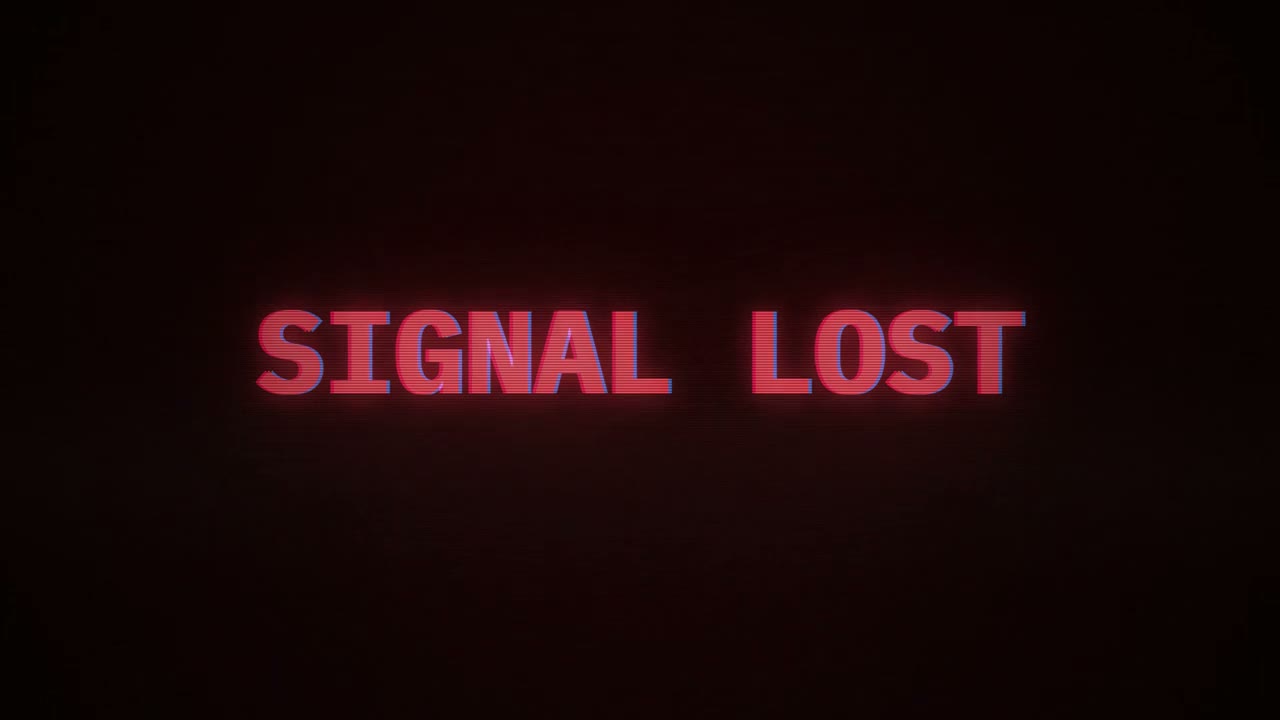
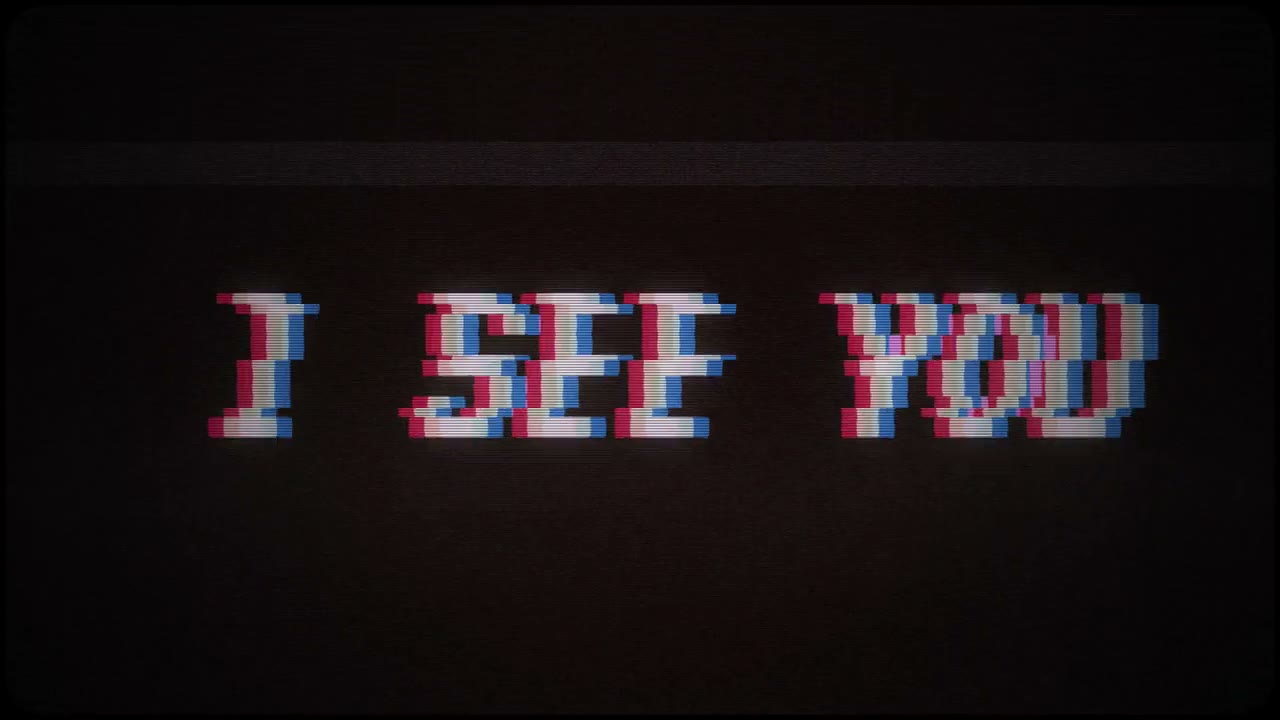
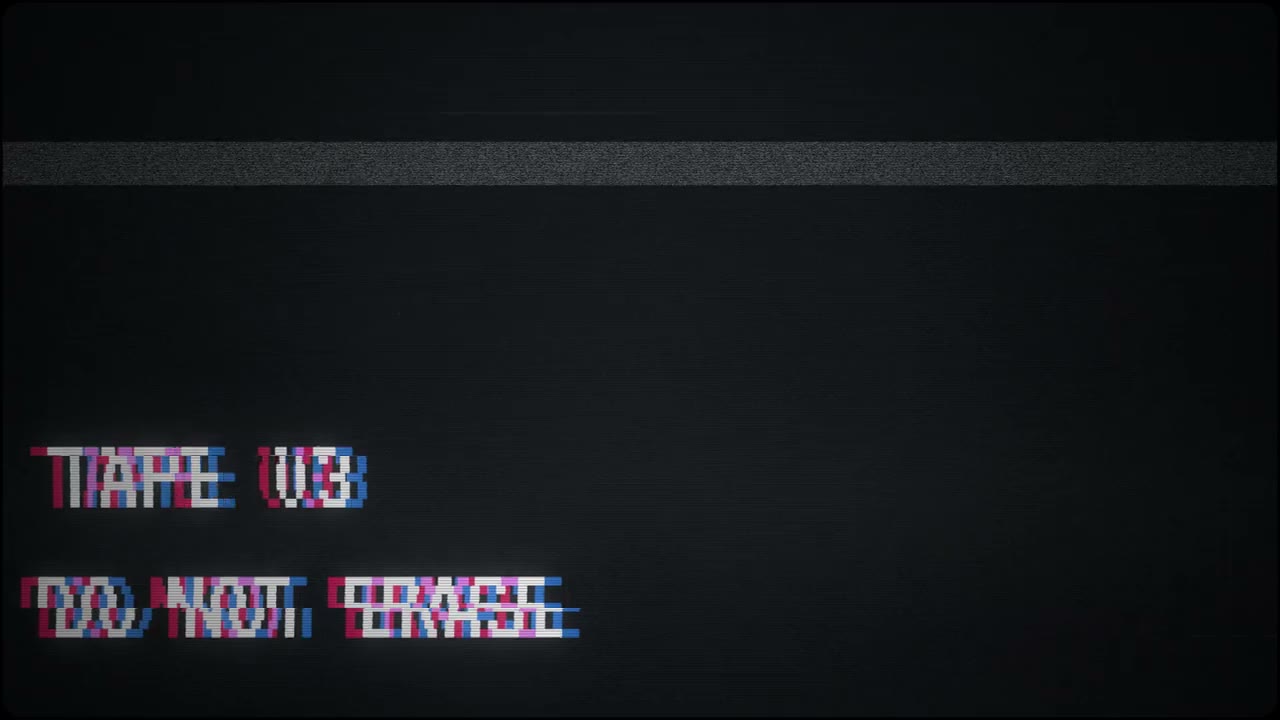
Terminal FX is a retro text animator that runs on your own computer. Type your words, pick a look (green-screen terminal, code rain, horror glitch, VHS, synthwave) and watch a live preview in your browser. When it looks right, it renders a real video file: a 4K MP4, or a MOV with a transparent background to drop over your footage.
Features
- 9 ways for text to appear: typewriter (with an optional human typing rhythm), scramble reveal, decode, code fall, glitch in, flicker on, wave up, slide in, instant.
- 9 endings: hold, backspace away, scramble away, glitch out, fade out, melt, explode, old-TV power-off, fall into code rain.
- 14 colour themes (green phosphor, code green, amber, cyan, synthwave pink, blood, toxic, ice, gold…) plus your own colours.
- 6 bundled retro fonts: VT323, IBM Plex Mono, Share Tech Mono, JetBrains Mono, Press Start 2P.
- CRT effects you can dial in: glow, scanlines, RGB split, flicker, noise, vignette, glitch; cursor styles and a line prompt like
>or$. - Optional typing and glitch sound effects, mixed into the video.
- Export MP4 (H.264) or MOV (ProRes 4444, transparent) at 4K, vertical 4K, square, 1080p or vertical 1080p; 24–60 fps; up to 2 minutes.
- Save and reload projects, render queue with progress, download finished videos.
What you need
- Python 3.8 or newer. No extra packages.
- A modern browser for the editor.
- To export videos: Chromium or Google Chrome (Brave works too) and ffmpeg, installed and on your PATH.
- Tested on Linux; start scripts for macOS and Windows are included. 4K rendering is heavy: a recent multi-core computer is recommended.
How to install
- Download the zip below, check its SHA-256 and unzip it.
- Open the
terminal-fx-1.0.0folder. - Windows: double-click
run.bat. Mac/Linux: run./run.sh(orpython3 server.py). - Open
http://127.0.0.1:8263. Different port:TFX_PORT=9000 python3 server.py. Chromium somewhere unusual:TFX_CHROMIUM=/path/to/chromium python3 server.py.
Where your data is stored
Projects go in data/projects.json and videos in renders/, inside the app folder. It only listens on your own machine (127.0.0.1).
Outside sites it contacts
- None. Terminal FX makes no internet requests; the fonts are bundled.
Good to know
- Video export needs Chromium/Chrome and ffmpeg. Without them you can still design and preview.
- Transparent MOV files are large.
- Maximum video length: 2 minutes. One render at a time; others queue.
- No login: anyone who can reach the app on your computer can use it. It only listens locally by default.