 SON OF SATOSHI™
What it is
Vault is a small password, secret and seed-phrase keeper that runs in your browser from your own computer. Each secret is encrypted with a key made from your master password before it's saved. No cloud, no account, no sync, and no password reset.
Features
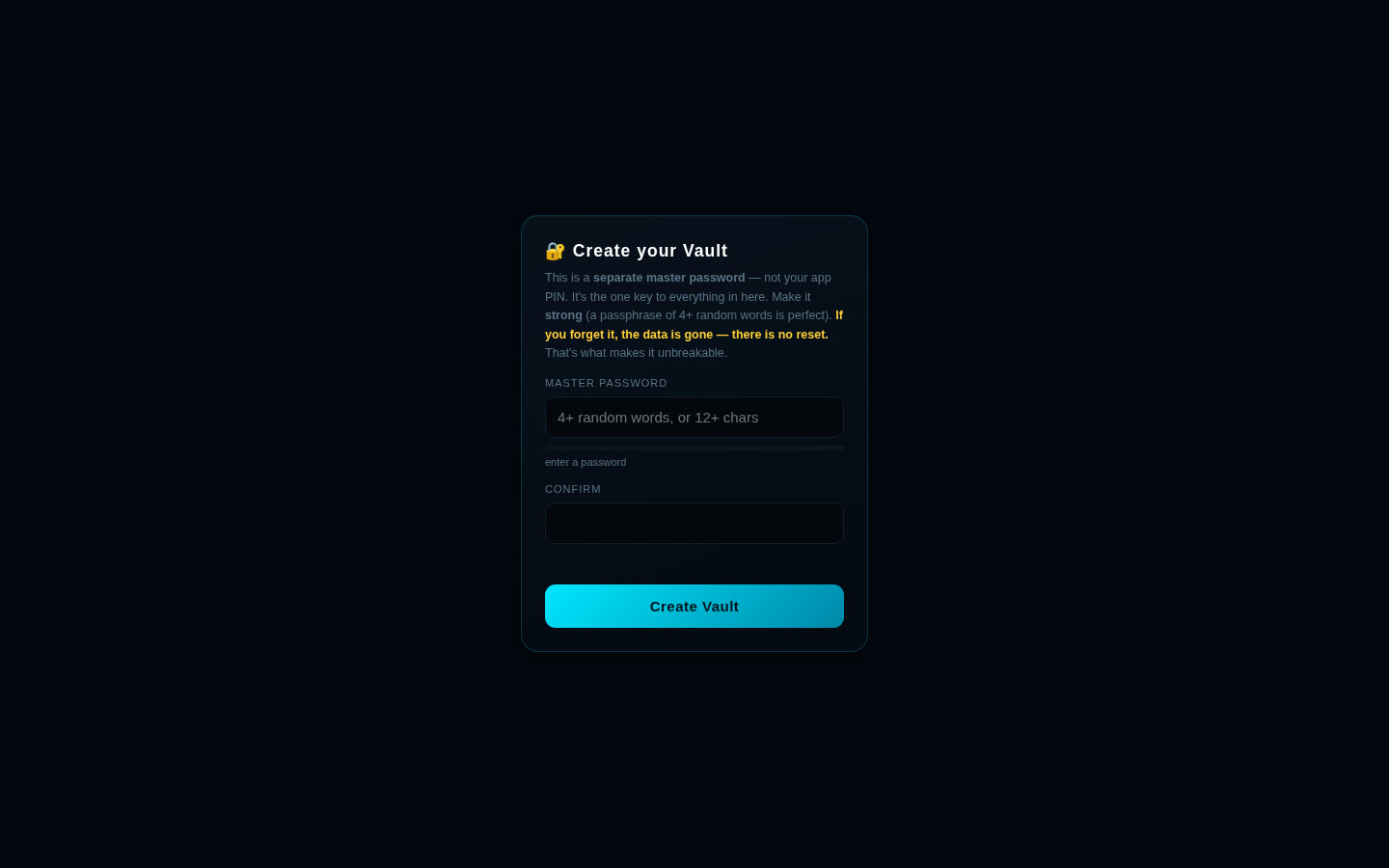
- A separate master password with a strength meter. It insists on a strong one: 4+ random words or 14+ mixed characters.
- Everything encrypted (names, usernames, notes and secrets) with AES-256-GCM; key derived with PBKDF2-SHA256, 600,000 rounds and a random salt.
- Save logins, keys or seed phrases with a name, username/email and note.
- Reveal or copy a secret only when you need it.
- Built-in strong password generator (20 random characters).
- Encrypted backup file and restore (restore only adds what's missing).
- Auto-locks after 2 minutes idle and whenever you switch away from the tab.
- After 5 wrong passwords, waits that double each time (up to 5 minutes).
- Locked-down page: the browser's security policy blocks it from sending data anywhere.
What you need
- Python 3 (any current version). It's only used as a tiny local web server; no extra packages.
- A modern browser: Chrome, Brave, Edge, Firefox or Safari.
- Tested on Linux. Windows and macOS start scripts are included.
How to install
- Download the zip below, check its SHA-256 and unzip it.
- Open the
vault-1.0.0folder. - Windows: double-click
run.bat. Mac/Linux: run./run.shin a terminal in that folder. - Open
http://127.0.0.1:8100in your browser. Press Ctrl+C in the terminal to stop it. - The first time, choose your master password. Write it down somewhere safe. If you forget it, nobody can recover your secrets.
Where your data is stored
Your vault is saved in your browser's local storage for http://127.0.0.1:8100 on your own computer. Everything in it is encrypted; the master password itself is never saved.
Outside sites it contacts
- None. The app makes no internet requests.
Good to know
- Make backups. Clearing browser data, another browser, a different port or a lost computer means a lost vault unless you saved a backup file. For seed phrases also keep paper or steel.
- Copied secrets are wiped from the clipboard after 30 seconds (if the browser allows it).
- One device only, no sync, by design.
- It protects data at rest. It can't protect you if your computer already has malware or a keylogger.