 SON OF SATOSHI™
What it is
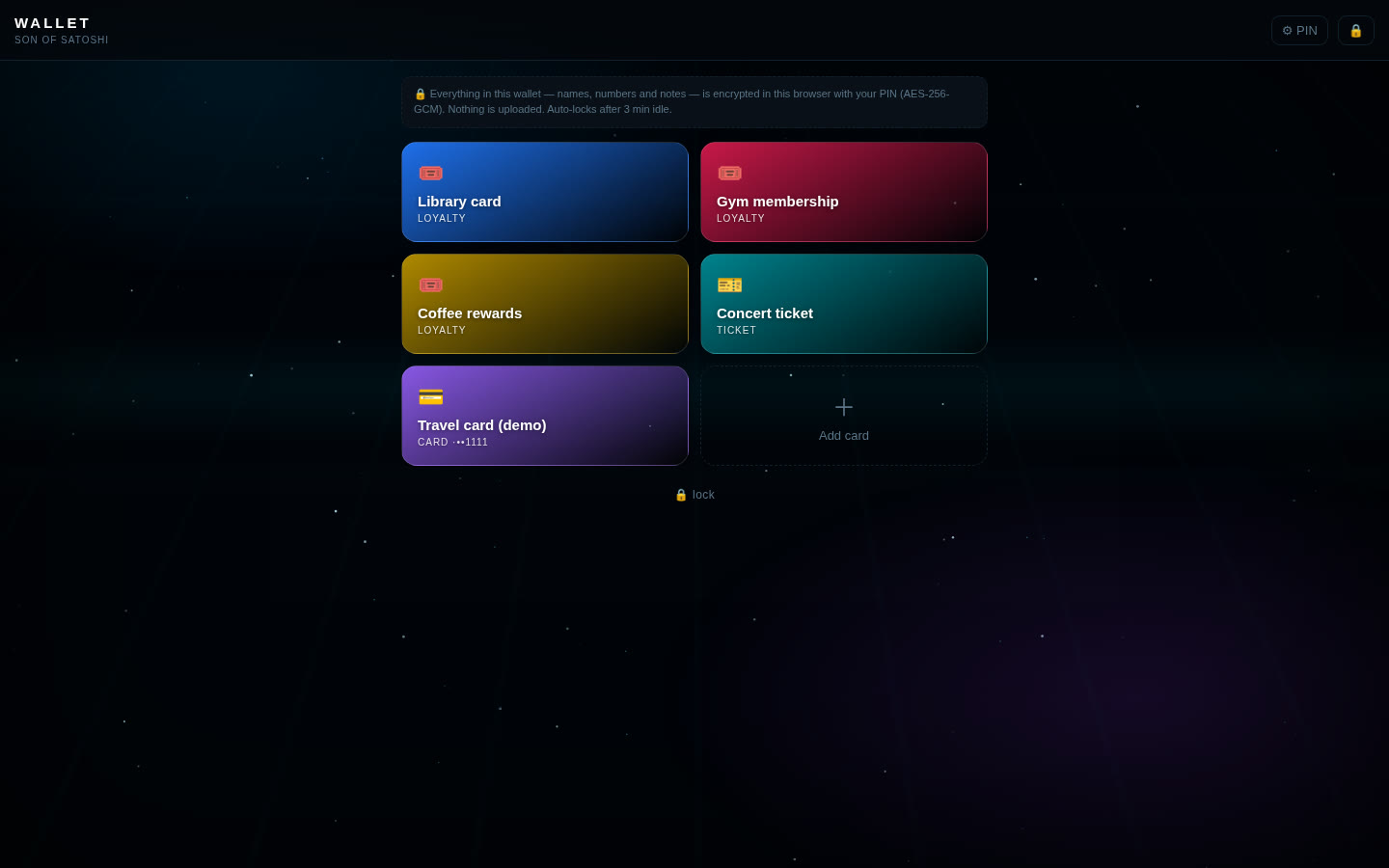
Wallet Cards keeps your store loyalty barcodes, QR tickets and, if you want, card numbers in your browser, so you can show them at the till. Everything in it is encrypted with your PIN or passphrase.
Features
- Loyalty cards as barcodes (CODE128, EAN-13, EAN-8, UPC, CODE39, ITF, Codabar) and tickets as QR codes.
- Scan an existing card with your camera (in browsers with built-in barcode scanning) or type the number.
- Full-screen display that keeps the screen awake for scanning.
- Colour-coded cards. Card numbers stay hidden until you tap Reveal.
- Everything is encrypted (names, numbers, notes): AES-256-GCM, key made with PBKDF2-SHA256, 600,000 rounds and a random salt.
- A wrong PIN is refused, with growing waits after 5 wrong tries. Auto-locks after 3 minutes idle.
- Barcodes and QR codes are drawn on your device (bundled JsBarcode and qrcode-generator, MIT).
- Locked-down page: the browser's security policy blocks it from sending data anywhere.
What you need
- Python 3 (any current version). It's only used as a tiny local web server; no extra packages.
- A modern browser: Chrome, Brave, Edge, Firefox or Safari.
- Tested on Linux. Windows and macOS start scripts are included.
How to install
- Download the zip below, check its SHA-256 and unzip it.
- Open the
wallet-cards-1.0.0folder. - Windows: double-click
run.bat. Mac/Linux: run./run.shin a terminal in that folder. - Open
http://127.0.0.1:8097in your browser. Press Ctrl+C in the terminal to stop it. - The first time, choose a PIN or passphrase (at least 8 characters; number-only needs 10+ digits). Write it down. If you forget it, your cards can't be recovered.
Where your data is stored
In your browser's local storage for http://127.0.0.1:8097 on your own computer, as one encrypted block. Your PIN is never saved.
Outside sites it contacts
- None. The app makes no internet requests.
Good to know
- A short PIN can be guessed by someone who gets a copy of your browser data. Use a long passphrase if you store card numbers.
- Make backups with the 💾 Backup button (an encrypted file). Without one, forgetting the PIN or clearing browser data loses the wallet.
- Not tap-to-pay: it only shows codes and numbers. Never store a card's security code (CVV) or bank PIN.
- It protects data at rest. It can't protect you if your computer already has malware or a keylogger.